
Your drawing, as a STEP file.
Upload the 2D drawing of your part. We email back a STEP file that opens in Mastercam, checked against your drawing.
Free for every machine shop. No payment, no account.
Paper in, solid out
Your customer sends a PDF. Mastercam wants a solid. Drawing the model yourself takes an evening you would rather spend on the machine.
Send us the drawing instead. Every dimension is read, and the model is checked against your drawing before anything is emailed back.
On your side
- Upload the drawingPDF or photo
- Press sendthat is all
On ours
- Read every dimension and noteall of them
- Ask you if something is unclearby email
- Build the 3D modelas drawn
- Check it against the drawingbefore it leaves
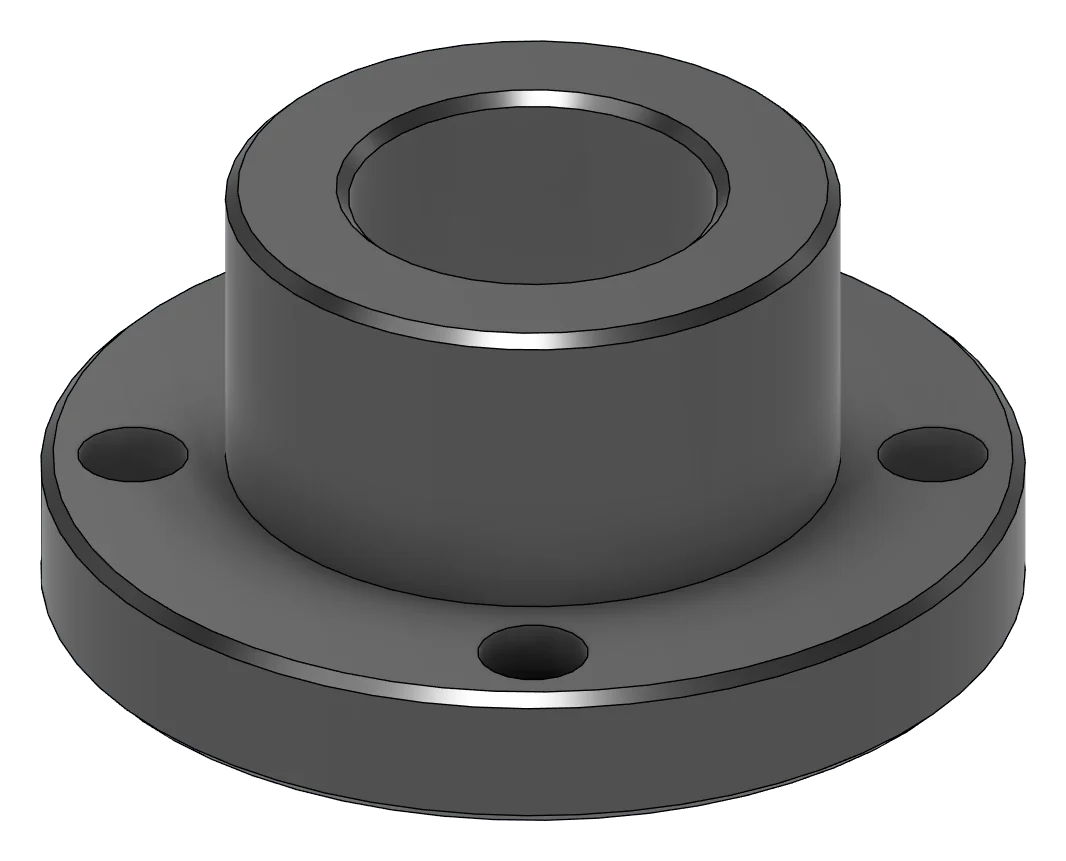
One part, start to finish
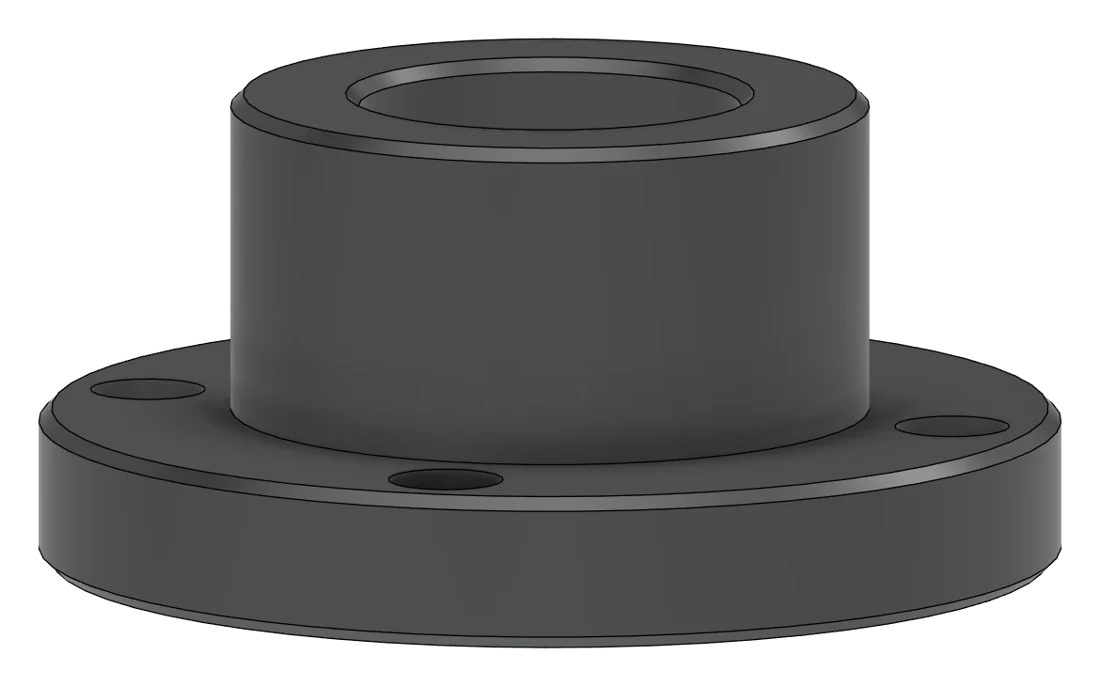
Download this STEP file (21 KB)A demo part, drawn and modelled to show the result. Download the STEP, open it in Mastercam and measure it.
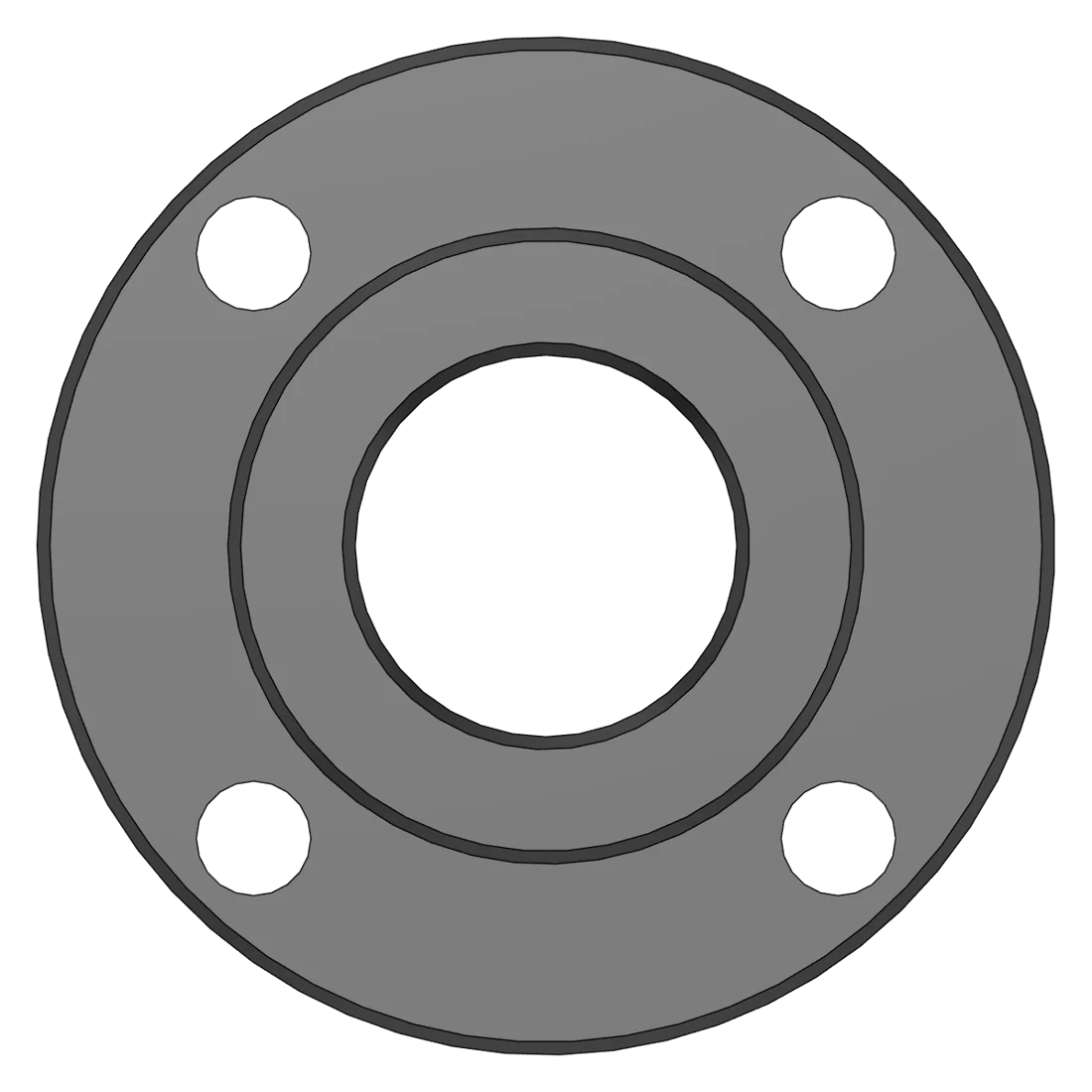
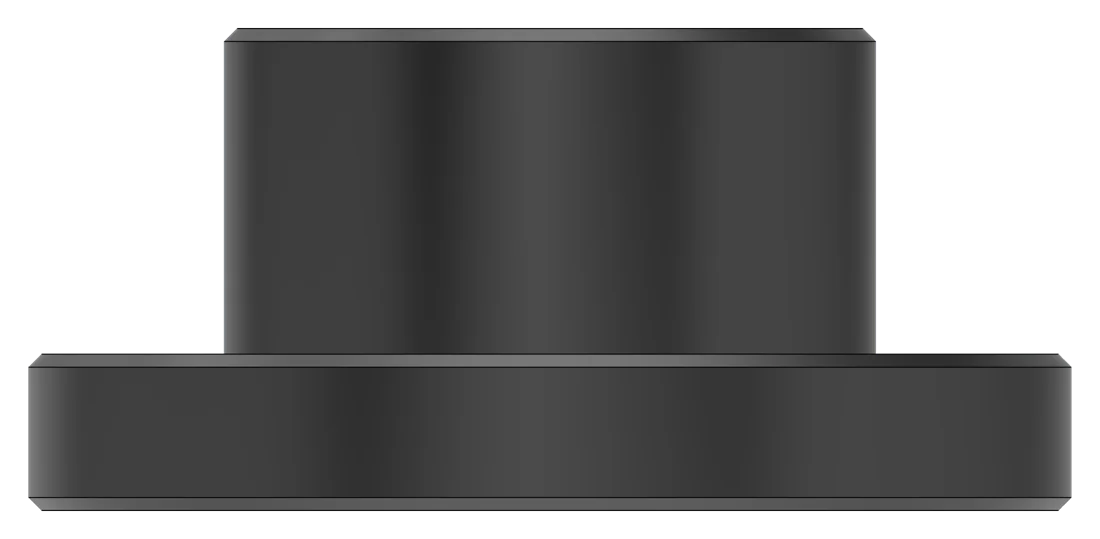
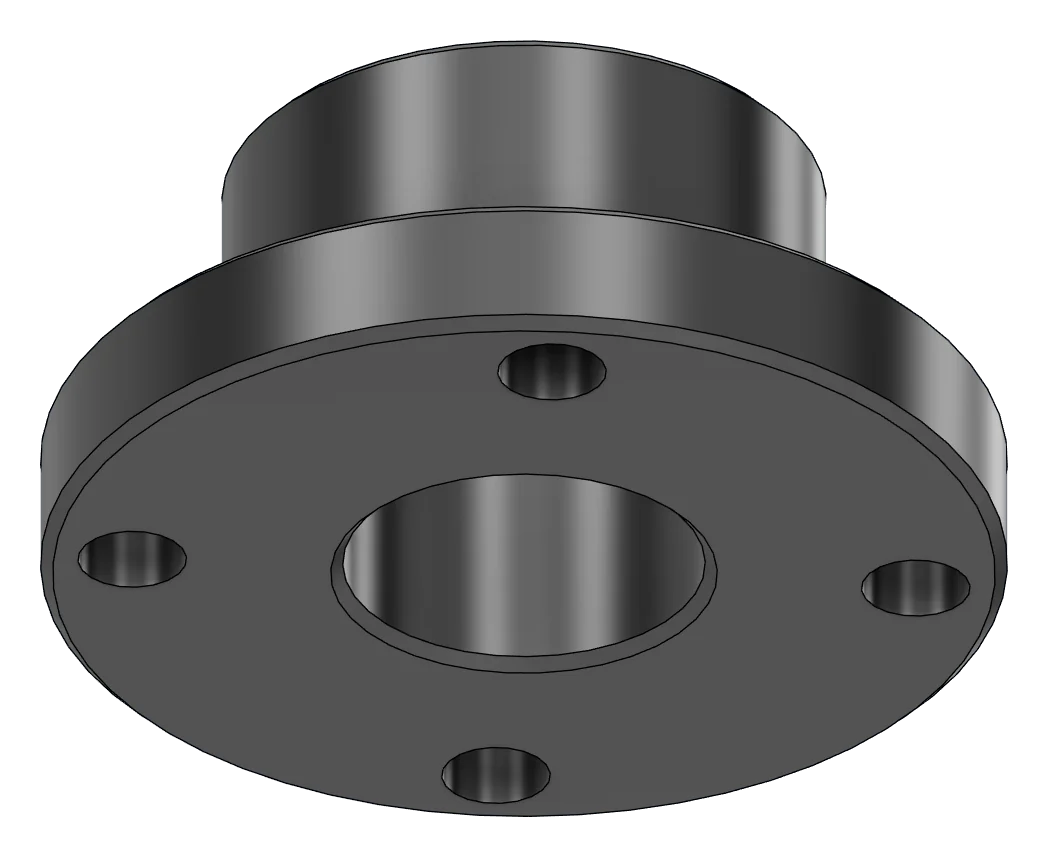
What we model
Send your drawing
Fill it in like a title block and press send. It is free, and the STEP file comes to your email.
Sending your drawing
Keep this page open for a moment.
Questions
Which files can I send? A PDF of the drawing, or a clear, straight photo of the paper. Add the DXF or DWG too if you have it. We read dimensions from the drawing, so a CAD file on its own is not enough.
Will it open in Mastercam? Yes. STEP is the standard way to move solids between CAD and CAM. In Mastercam use File, Open and choose STEP as the file type. The same file opens in SolidWorks, NX and most CAM software.
Which size is modelled when there is a tolerance? The nominal size, as drawn. If you want mid-tolerance sizes for programming, say so in the notes and we will model them that way.
What happens to threads? Threaded holes are modelled at the tap-drill size with the thread noted in the email, because thread data does not travel inside a STEP file.
What if the drawing is unclear? We email you a question before we model. A missing dimension is never guessed.
How long does it take? Orders are modelled in the order they are paid, Monday to Saturday. If a job is waiting on the machine, WhatsApp us your order number.
Who sees my drawing? Only us. It is kept in our own storage to make your model and is not shared or reused. Ask and we delete it.
Do you model assemblies and castings? Yes. Send every sheet in one order, up to 10 files. If something on the drawing is unclear, we ask before modelling.
Is it really free? Yes. No payment and no account. Once you have tried the model, two lines of feedback would help us a lot.
Can I send more than one part? Yes, as many as you like. One order per drawing set keeps each STEP file easy to find.
Questions about a drawing?
Talk to us before you send it, or after the STEP file arrives. WhatsApp is quickest.
Talk to us directly
WhatsApp +91 86602 34766 toolflux@gmail.comTOOLFLUX, Vidyanagar, Hubli. Monday to Saturday, 9 to 6.